Skip to content

AI Scribe

Capture the visit. Start with a structured note.

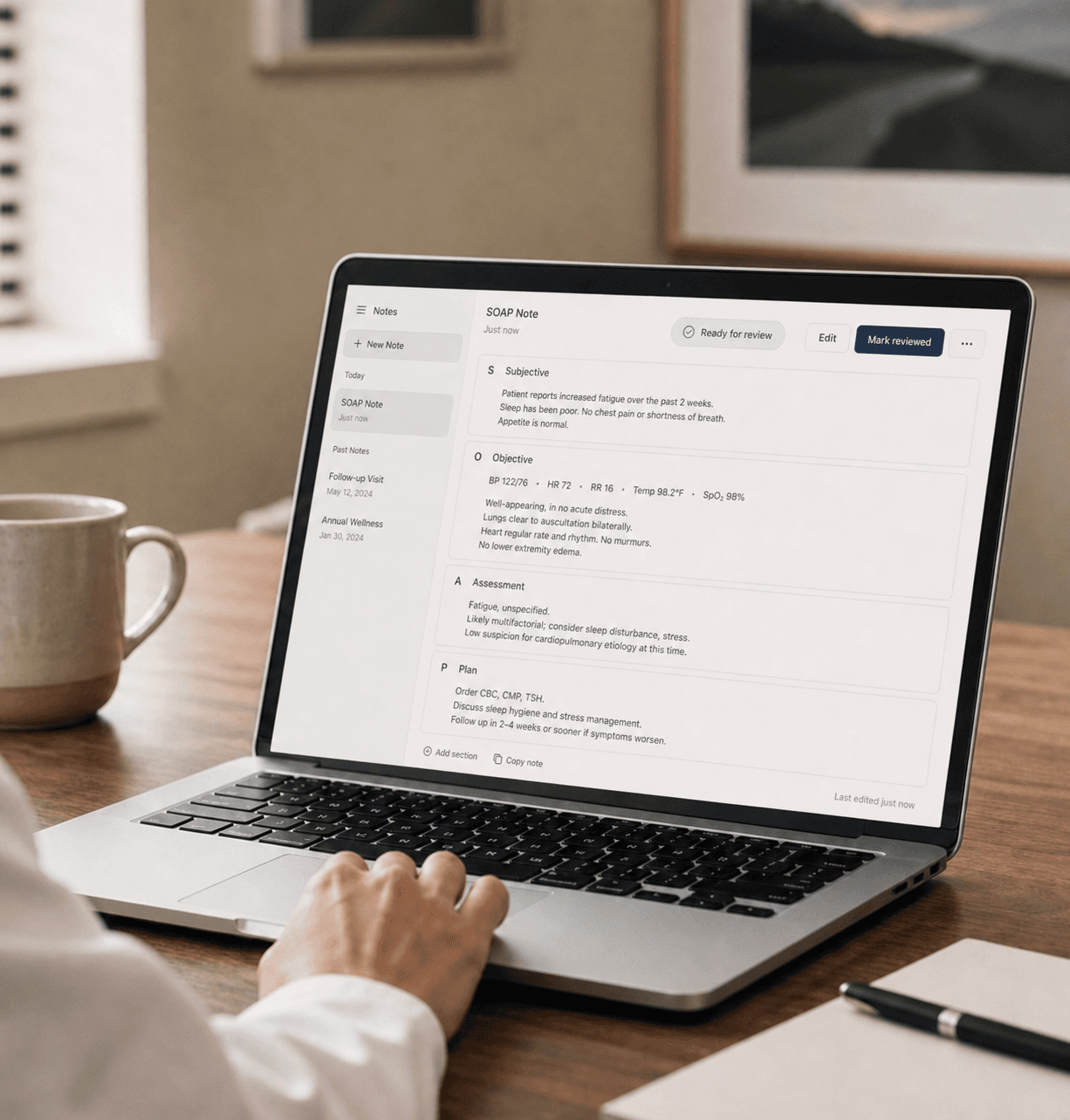
Basis captures the patient conversation on your own computer or local device and turns it into a structured draft. The clinician reviews the transcript, edits the note, and signs off before anything reaches the EHR.

Visit capture

Capture points around the room.

Basis lets the practice choose the capture point: Basis Voice Device, phone, watch, or direct recording on the local device. The clinician reviews the transcript and note before anything syncs with the EHR.

$299 each
Room capture
Phone + Watch
Local device
Orange Basis Voice Device on a physician office desk with the silver Basis appliance behind it.

01 / capture

Desk network

The Basis Voice Device captures at the desk while Basis stays on the practice network.

Orange Basis Voice Device on a side table in a medical exam room.

02 / capture

Side table capture

The voice device can sit across the room and route audio back to Basis.

Provider pressing the circular record button on an orange Basis Voice Device.

03 / capture

Button press

Start capture at the device. The recording light shows the state.

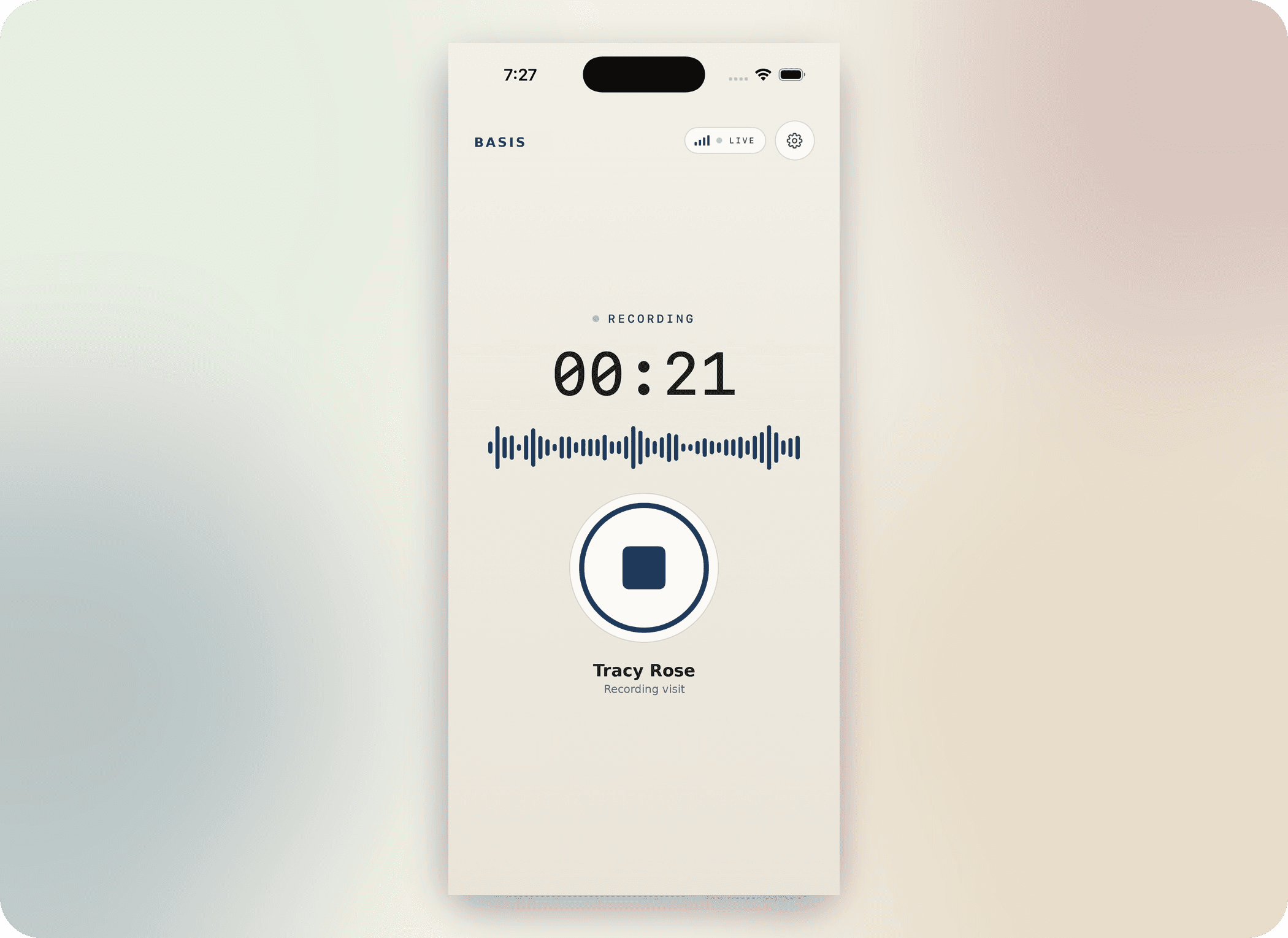
Basis iPhone capture screenshot showing the ready-to-record visit screen.

04 / capture

iPhone

Start the visit from iPhone. The phone becomes the room microphone and routes capture to Basis on the practice network.

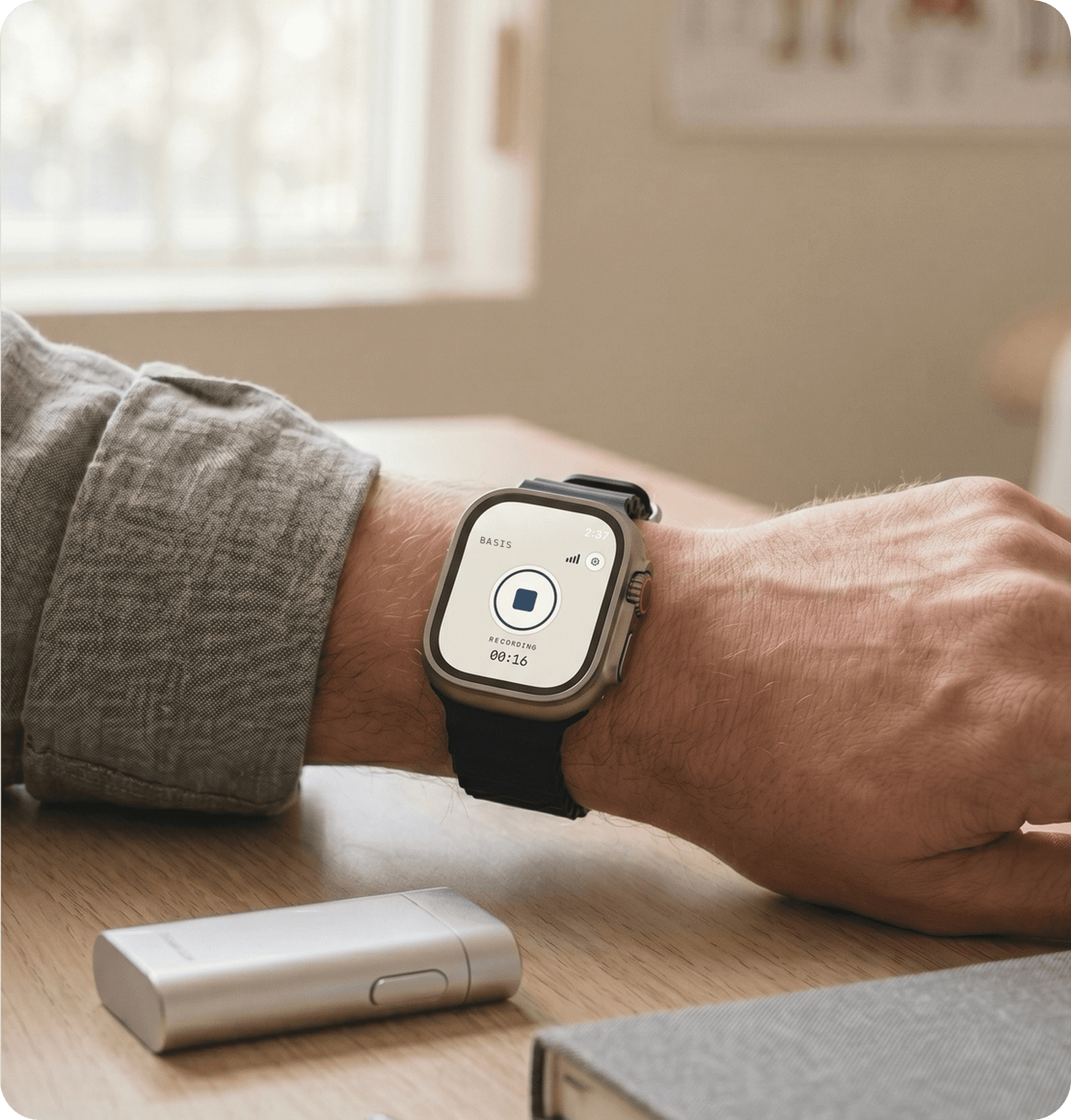
Basis Apple Watch recording screenshot showing a visit recording in progress.

05 / capture

Watch capture

Start or stop capture from Apple Watch when the phone is in a pocket or on the desk.

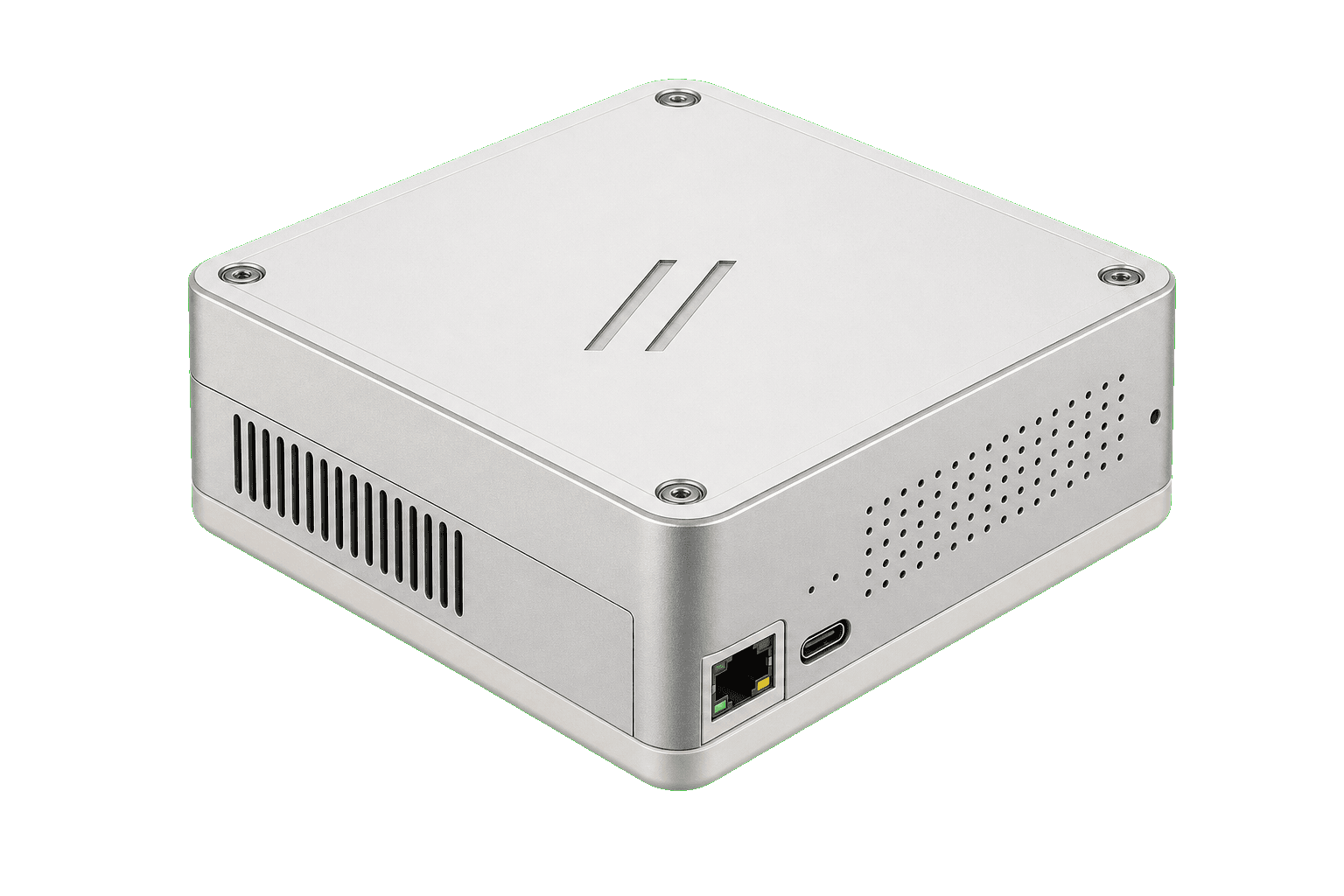
Basis appliance screenshot showing the local hardware used for practice-owned recording.

06 / capture

Direct device recording

Record directly through the local Basis device when a room should not depend on a clinician laptop.

Questions

What clinicians and practice managers ask.

Does the clinician still review the note?

Yes. Basis drafts. The provider reads the transcript, edits the note, and signs before anything enters the EHR.

How is Basis priced?

Pricing depends on how you deploy Basis. We scope the annual software and support plan, EHR integration, Basis Voice Devices, and the Basis appliance around the practice.

What computer do I need to run Basis?

An Apple Silicon Mac, M1 or newer, with 16GB of memory runs it comfortably. A current MacBook Air, MacBook Pro, or Mac mini all work, because on-device transcription and note drafting together use only a few gigabytes. 8GB is the floor. Windows PCs run the same app, so aim for a recent processor and 16GB of memory. If you would rather not tie the scribe to a clinician's laptop, the Basis device carries the on-prem compute instead.

Where does the data live?

On the computer or Basis appliance running the app. Audio, transcripts, and drafts stay on site unless you approve an export.

Which EHRs do you work with?

We have reviewed mappings for Epic, athenahealth, Oracle Health, Canvas, eClinicalWorks, NextGen, Veradigm, Greenway, AdvancedMD, DrChrono, MEDITECH, Tebra, and more. Each integration is tested against your instance before go-live.

How long does setup take?

Plug in the appliance, connect it to your network, and add Basis Voice Devices. Note drafting works first. The first EHR export path is scoped and reviewed before it is turned on, usually within 1 to 2 weeks.

Is Basis HIPAA compliant?

Yes. Processing stays on your network, a BAA is available, and we supply the documentation a buyer needs for diligence.

Is it only a scribe?

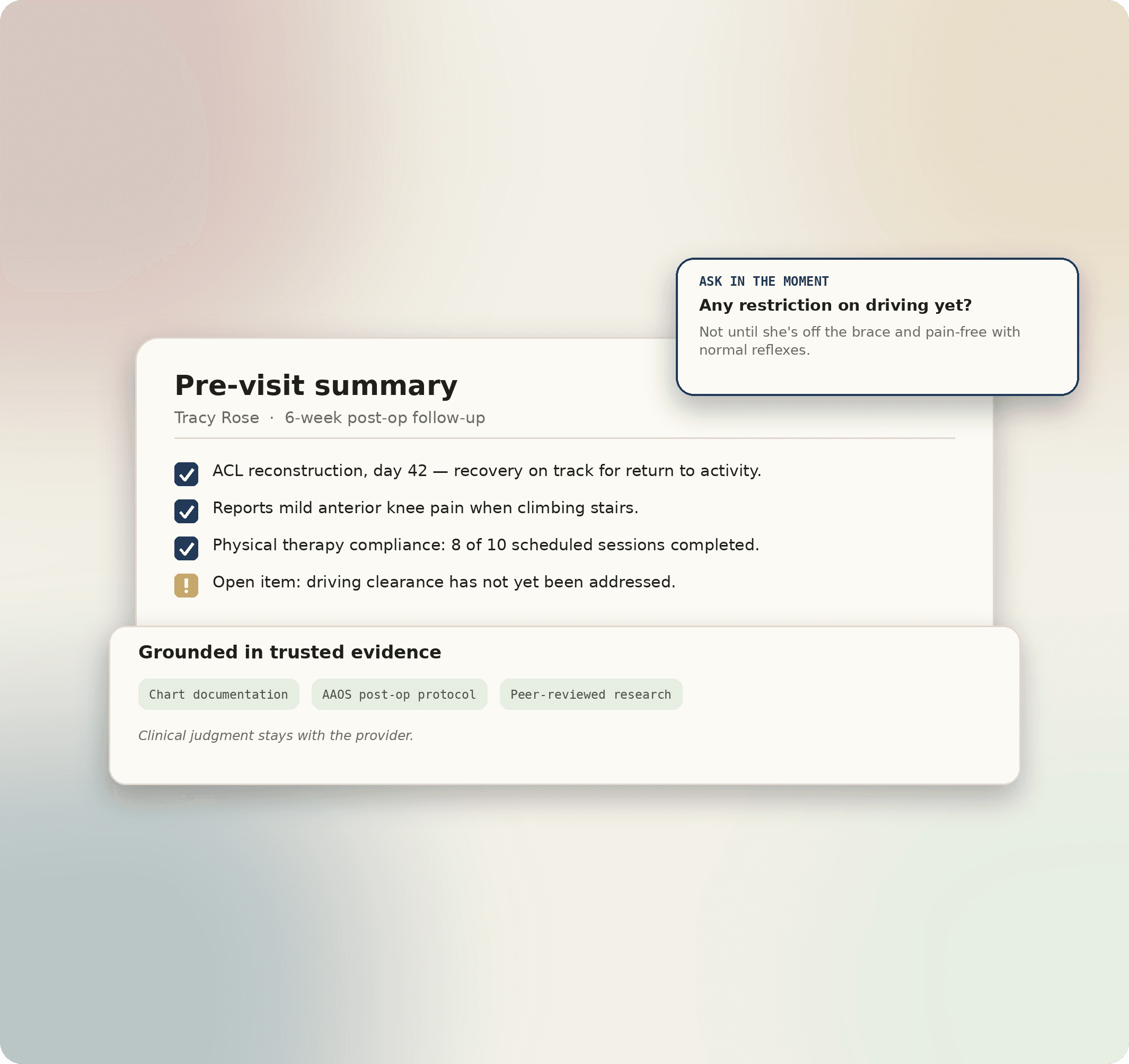
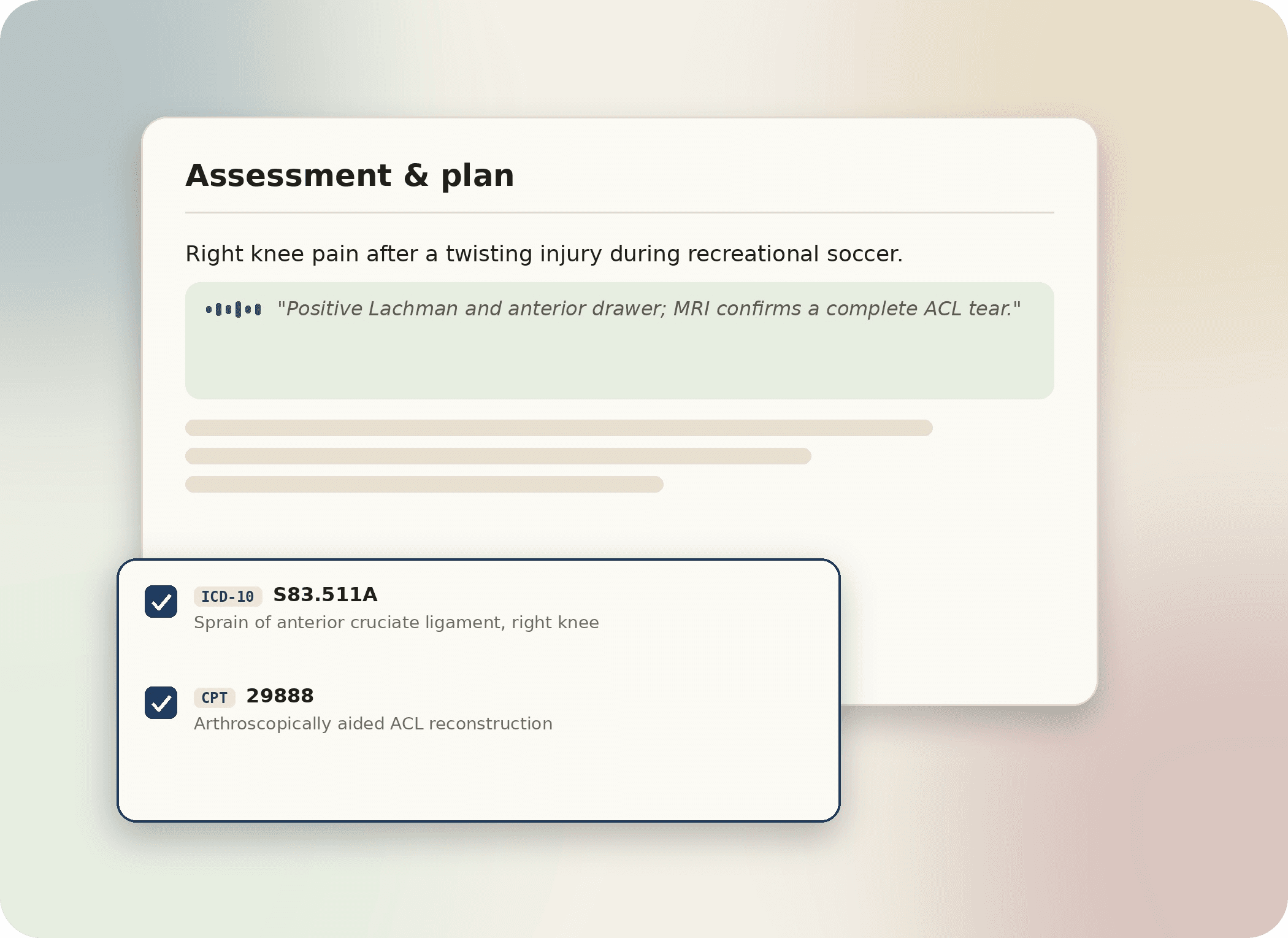
No. The scribe is where Basis starts. It also suggests ICD and CPT codes, prepares referrals and intake, drafts follow-up tasks, and syncs approved work to the EHR.